
How to back up pet records before changing phones
Keep a recoverable copy of pet records outside your everyday app. Download originals, separate the backup and test that you can open it without the old phone.
 Kourosh Ebrahimzadeh4 min read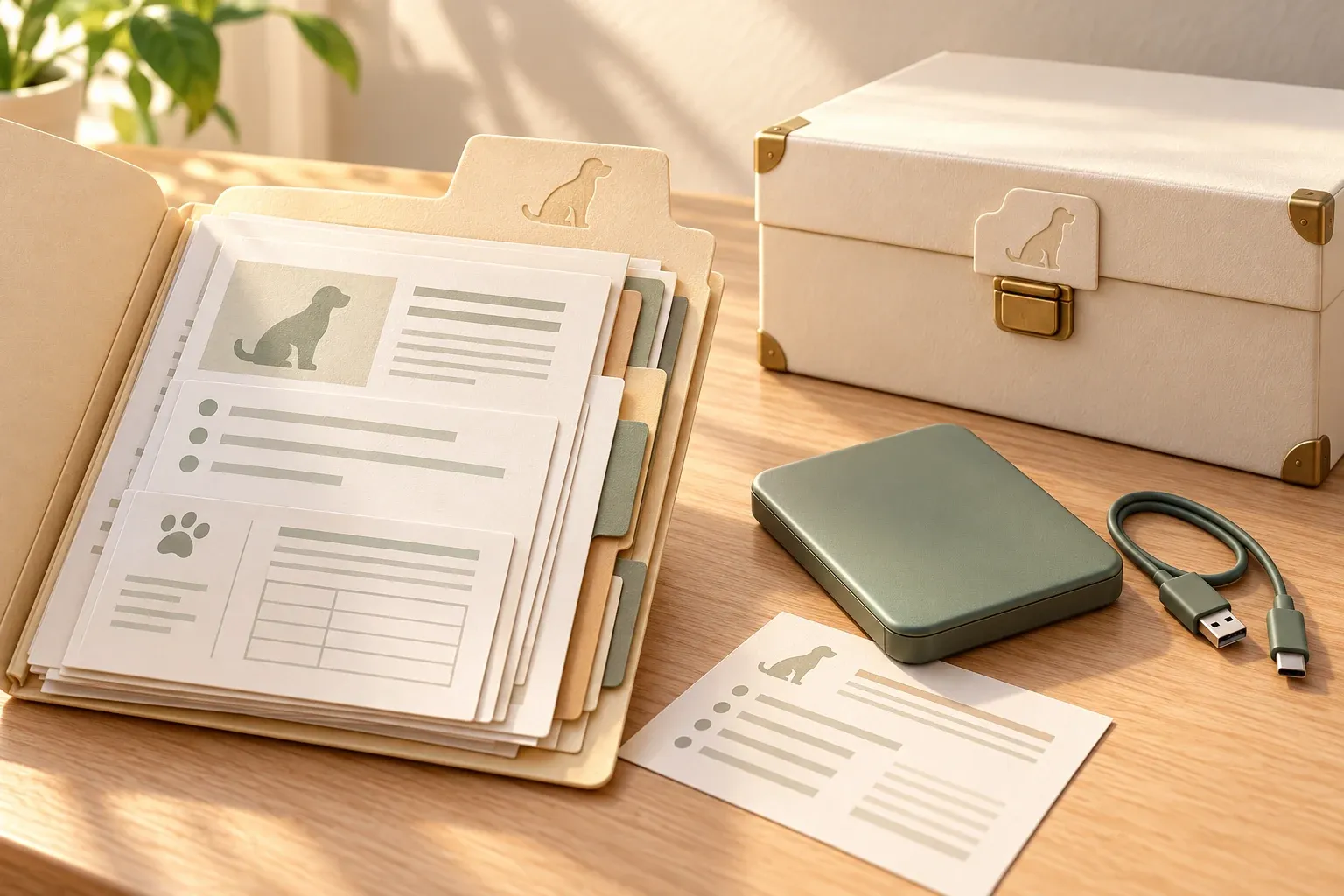
Before you erase an old phone, check that you can still open your pet’s vaccine certificate and clinic files elsewhere. A document in a local folder or behind a forgotten login can be difficult to recover after the phone is gone. Test access while you still have it.
Back up pet records before changing phones by downloading the original documents, keeping a separate copy and testing that it opens without the old phone. Include the owner notes you need and the recovery details for your chosen storage.
What counts as a recoverable backup?
A backup is a copy you can retrieve when the working version is unavailable. Seeing the same record on two screens may simply mean both are connected to the same account.
Sync keeps information up to date, so some services also apply deletions or edits across devices. Check your service’s retention and recovery options rather than assuming the second screen protects the first.
The Canadian Centre for Cyber Security’s backup guidance recommends keeping copies across different storage types, with one off-site, and testing recovery. Its guidance is written for organizations. For your household, ask: if this phone and its account were unavailable today, where would you find the clinic’s document?
If your immediate problem is an entry that won’t appear on another caregiver’s screen, follow the pet care app syncing checks first. A backup plan serves a different purpose.
Which files should you copy?
Copy the documents you would need to show someone, plus the context that helps them interpret the file. Use the pet health records guide to check what you already keep.
| Material | Backup copy to keep | Check before moving on |
|---|---|---|
| Clinic PDFs | The original downloaded files | They open and name the right pet |
| Paper certificates | A readable photograph or scan | The whole page and dates are legible |
| Current written instructions | The clinic’s document, with its date | A newer version has not replaced it |
| Owner notes | A readable file or supported export | Dates and authors still make sense |
| Medical history summary | The dated summary and its source files | It still points to the documents you have |
An app may support some exports and not others. Check what the app can export before relying on it. You can ask the clinic for another copy of its documents, but that will not recover household notes the clinic never held.
Keep each pet in a separately named folder. A pet medical history summary makes the contents easier to navigate, but backing up only that page leaves you without the evidence behind it.
How do you get files out of cloud storage?
Download actual files into a location you control, then open them there. A shortcut or cloud icon can look like a document even when the device still needs the account to fetch it.
Apple’s instructions for copying iCloud information describe selecting files in iCloud Drive and copying them to another location. Apple says an optimized file must download to your device before you can move it elsewhere. For a shared document, keep an authorized copy you control rather than relying only on access to someone else’s folder.
The same question applies to a clinic email or a temporary sharing link: do you have the document itself? Save the attachment and check it. A bookmarked link may expire, and an email account can be unavailable when you need it.
Where should the second copy live?
Put it somewhere that does not share the working copy’s main risk. An external drive stored beside the phone helps with a phone failure; it offers less protection if both are lost together.
Choose storage you can manage, whether that is an encrypted drive kept separately or a second service with recovery details you know how to use. The Cyber Centre recommends disconnecting external backup drives after use and protecting backup data with measures such as encryption. Treat the record as private information: it may include your contact details as well as the pet’s history.
Write down who in the household can recover the files and how they will obtain authorized access. Keep account recovery details protected. A caregiver should be able to find the documents they need without getting your email password.
How do you test it before retiring the old phone?
Try recovering the files while you still have the old phone. If the test fails, you can fix it before losing your easiest source.
- Open the separate backup on another device.
- Find one pet’s folder without opening the old app on the old phone.
- Open a certificate, a clinic PDF and an owner note, if you keep one.
- Check the dates and pet names in every folder.
The Cyber Centre specifically recommends testing that files can be recovered. A successful download alone doesn’t show that the copy is readable or complete.
Update and date the backup when important documents change so you know what it contains. When you’re getting records from the vet, save the originals as they arrive; that is easier than rebuilding a folder at the next phone upgrade.
Where Dana fits
Dana’s Records Vault, part of Dana Pro, stores photos and PDFs with the pet they belong to and lets you share a document with authorized recipients. Keep the original clinic files in your own backup as well. Before changing phones, check both your Dana account access and the independent copy you can recover.
Questions people ask
Is a synced pet records app the same as a backup?
Sync keeps copies up to date across devices. A separate backup gives you another way to recover documents if the working copy, account or access is lost. Check what your particular app lets you download and restore.
What should I back up from my pet's records?
Keep the clinic's original files, readable copies of paper documents and any owner notes you need. Include a dated summary, but retain the underlying sources so a new clinic can check it.
How can I test the backup?
Open the separate backup on another device without relying on the old phone. Check the pet names, open the documents and confirm that your recovery instructions work.
Does a share link count as a backup?
A link gives access to a file while that access remains valid. A backup requires a copy you can recover later. Download an authorized copy of the original document rather than keeping only an expiring link.